Generate Reusable
QR Codes
Design trackable QR codes you can restyle and re-point anytime, even after they're printed.
3 Easy Steps to Create your QR
Pick, personalize, and publish with full clarity at every stage.
Pick a QR type
Start by choosing what your code should do: link a website, open a PDF, start a WhatsApp chat, share your socials, or hand over a contact card.
Make it yours
Fill in your content, then tune the colors, drop in a logo, and apply a style preset until the code matches your brand.
Export & share
Download a crisp, high-resolution PNG with no watermark and use your code anywhere: on paper, on screen, or online.
Make any QR code in seconds.
Every QR type you need, in one simple builder.
Website
Send every scan straight to your site. Attach any web page to a QR code so customers, clients, and followers reach your brand in a single tap.
More than a QR generator
Create, refine, and measure: the whole QR lifecycle in one place.
Style it your way
Make your QR code match your style by changing colors, shapes and frames and adding a logo or image. Ideal for event invites, social media posts, personal links or small-business flyers.
Editable after printing
Make the code once, then change where it points whenever you like: swap a link, album, or event page without reprinting.
Track every scan
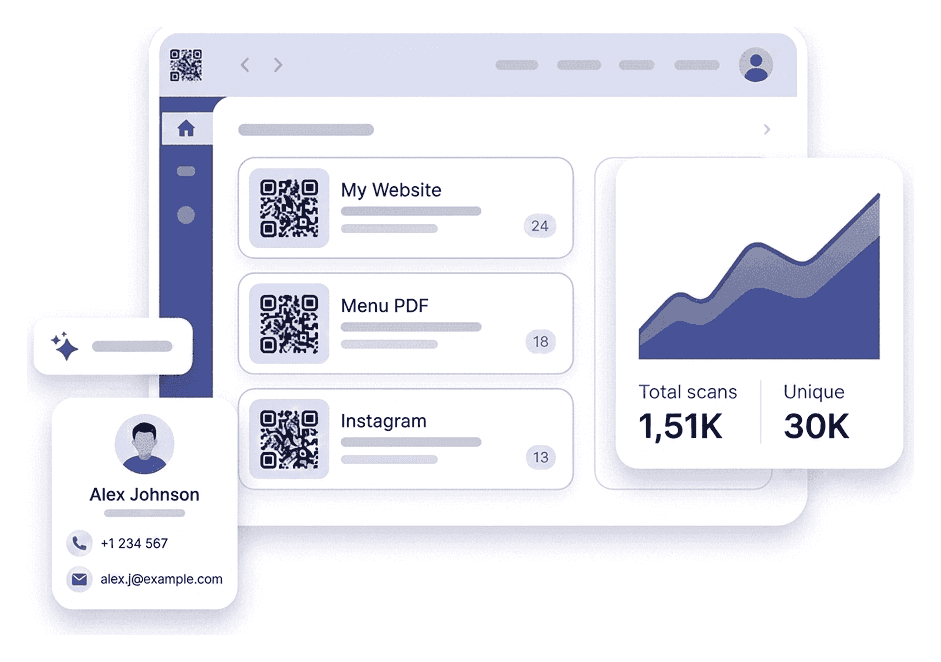
See how often your QR code is scanned, when and where it is used. That way you know if your poster got attention, your social QR is directing well or your small campaign is reaching people.
Password-locked codes
Protect your QR code with a password so only the right people can access your content. Perfect for private menus, gated promotions, and internal documents.
Print-ready exports
Get a QR code that looks sharp and professional no matter where you use it. Whether it's on your phone screen, printed flyer or banner, the code stays clear and scan-ready.
Frequently Asked Questions
Answers to the questions we hear most.
CreateQR is operated by REM Vision LLC.